Light That Moves
With Your Screen
Real-time RGB ambient lighting for gaming, movies, and productivity.
Windows 10 & 11 · Free · Plug & Play over USB
The Hardware
Engineered for immersion
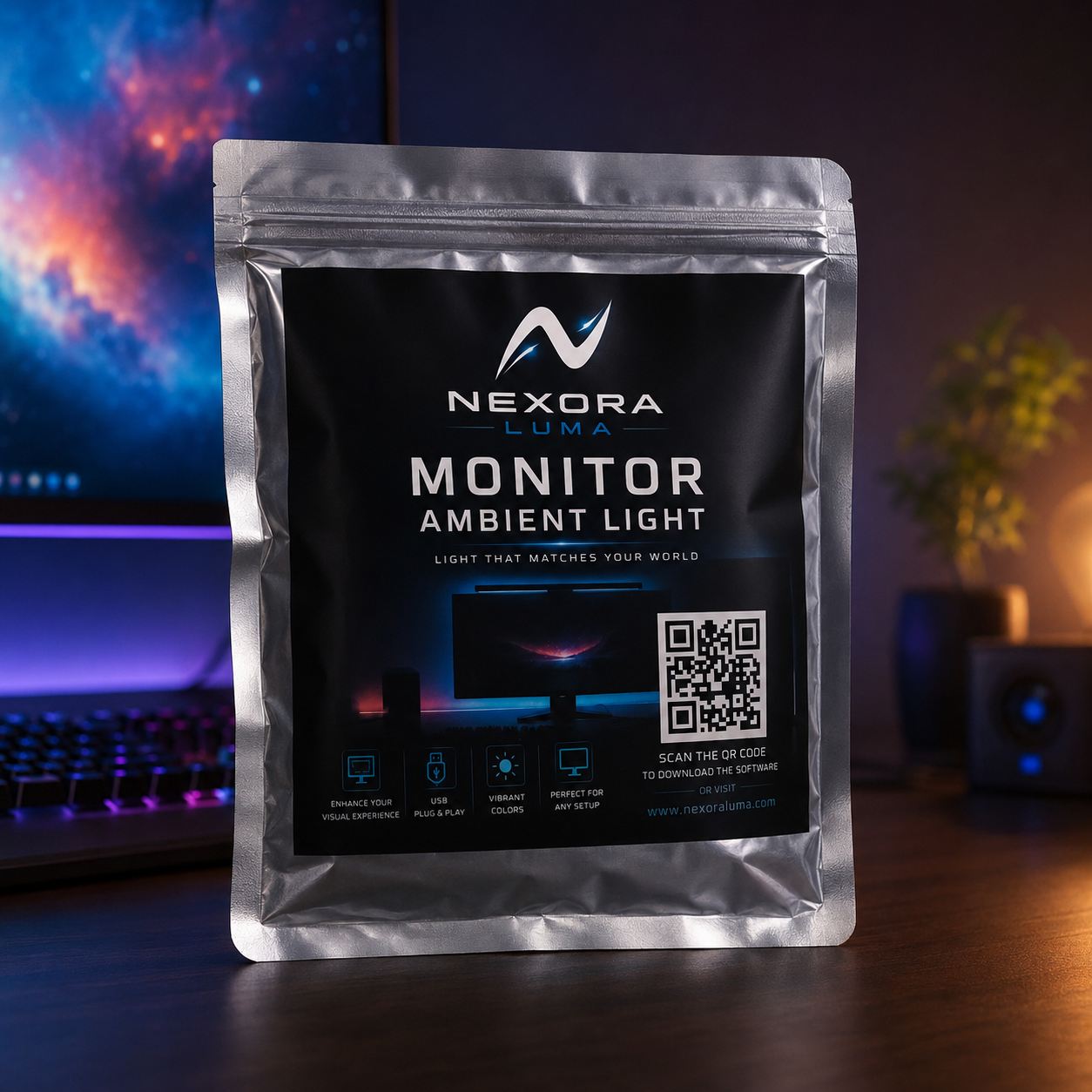
Ultra-low latency
Colors track your screen in real time with no perceptible lag.
USB Plug & Play
Connect the controller and go — no hubs or extra power bricks.
High Quality
Premium lighting with vibrant, accurate colors.
Screen Sync
Ambient light mirrors on-screen action across your whole setup.
The Software
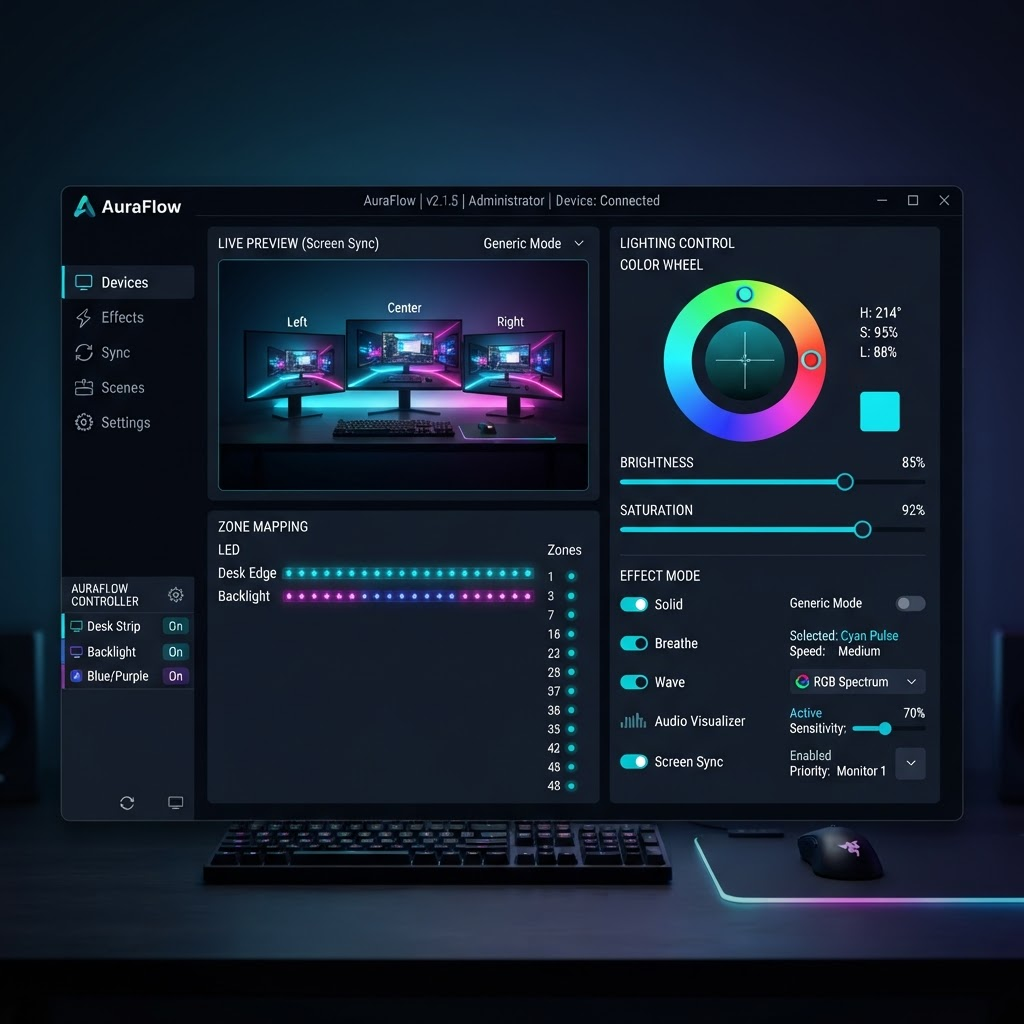
Nexora Luma for Windows
Download the installer
Everything you need to sync your lights with your PC. Install, connect the controller, and you're live in under a minute.
- Version
- v1.0.0
- File size
- 24.6 MB
- Released
- Feb 2026
- Real-time screen color sync
- Music-reactive lighting
- Static & animated RGB effects
In The Wild
Built for every kind of setup
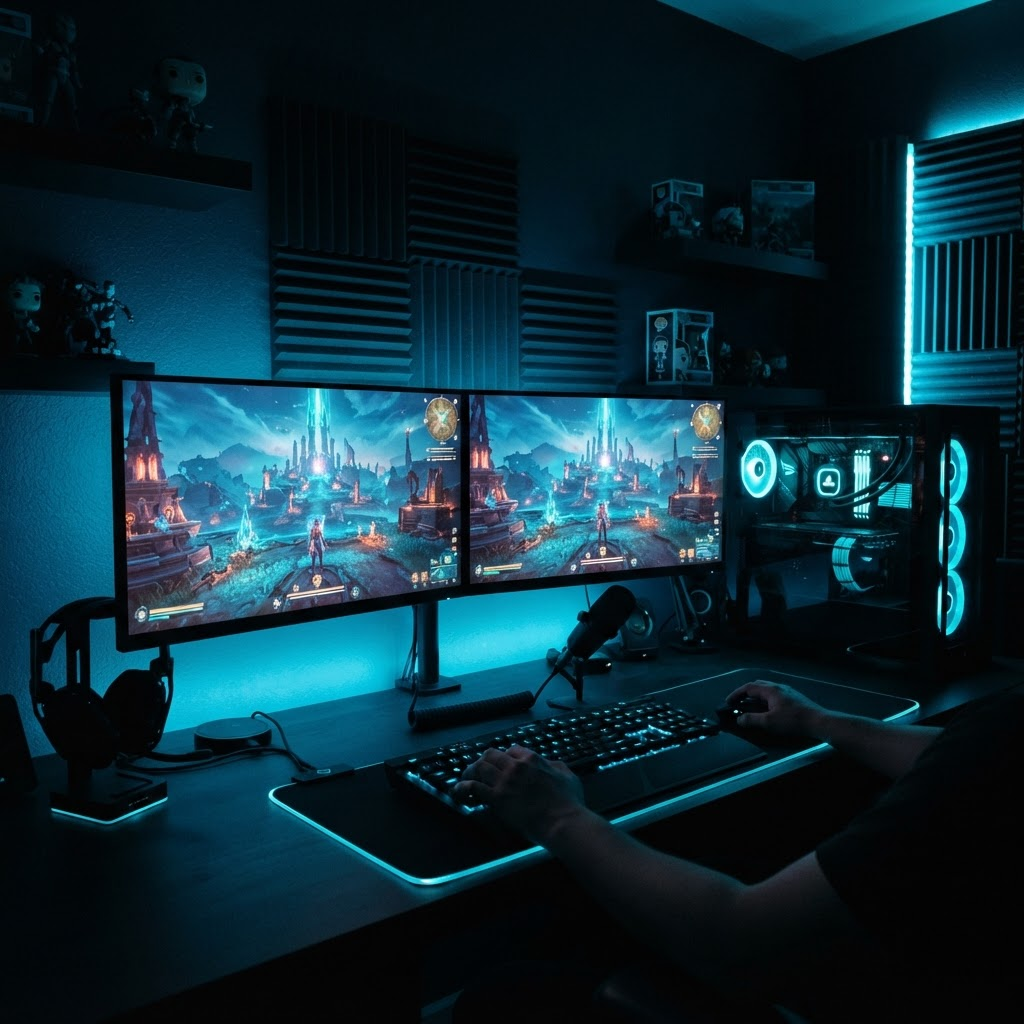
Gaming setups
Reactive light that pulls you into every frame.
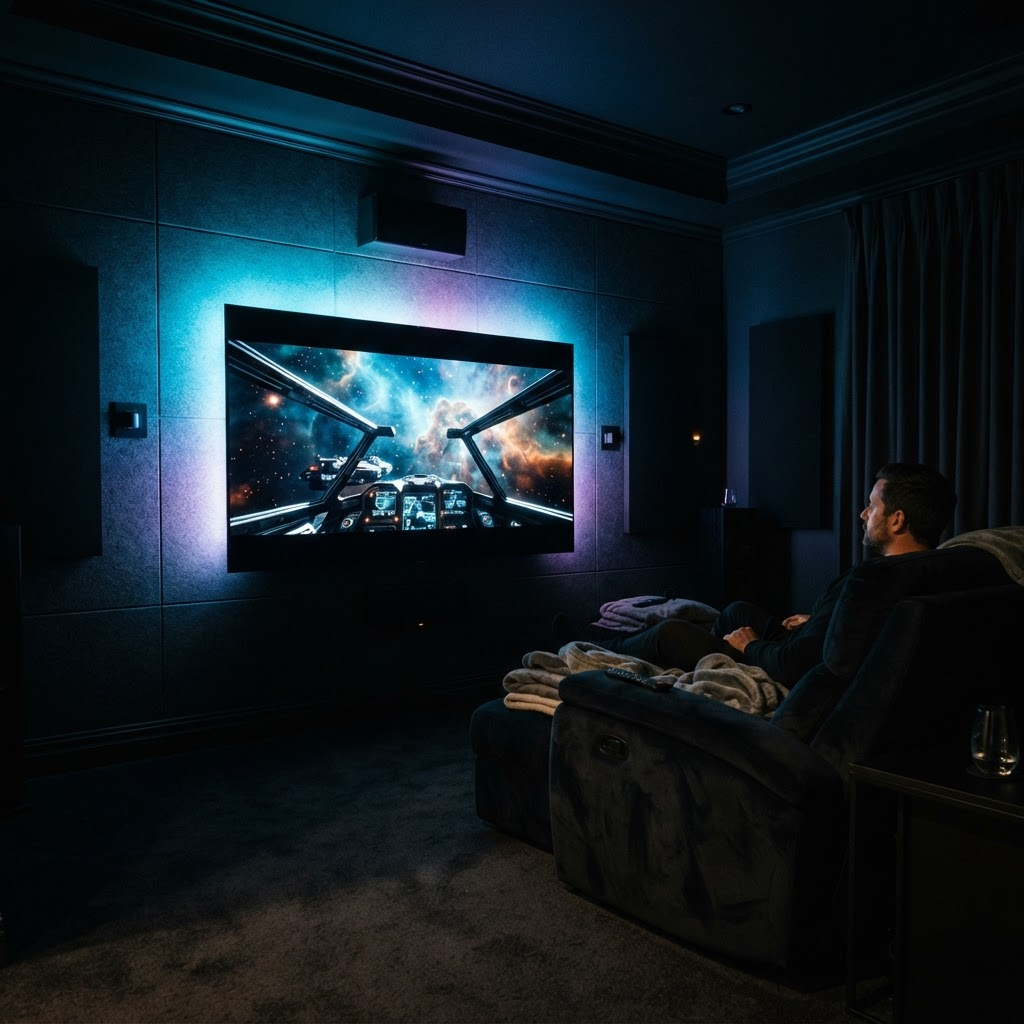
Dark-room movie nights
Cinematic bias lighting that reduces eye strain.
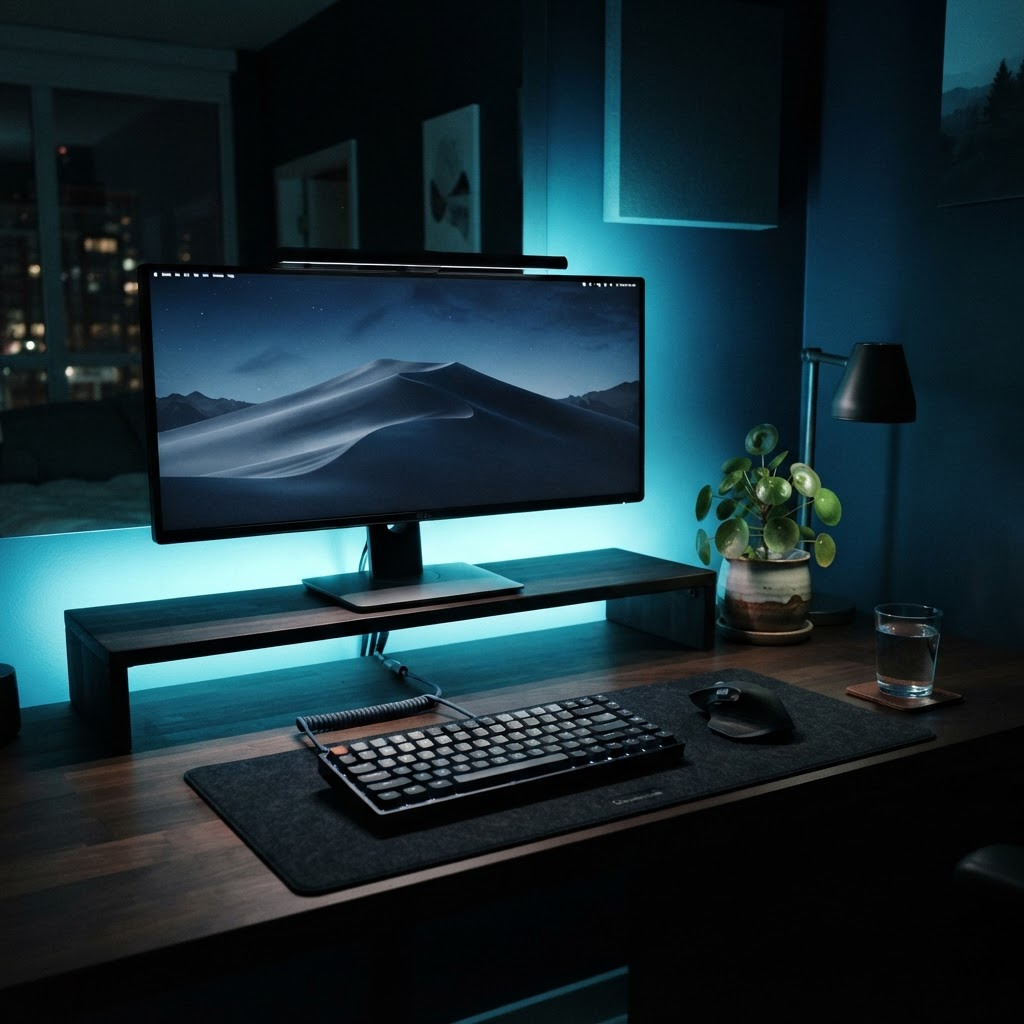
Desk aesthetics
Calm ambient glow for focus and productivity.
Get Started
Set Up and Running in 3 Steps
STEP 1
Connect the controller via USB
Plug the Nexora Luma controller into any free USB port on your PC. Windows detects it automatically.
STEP 2
Install Nexora Luma
Run the Windows installer and follow the guided setup. Drivers and dependencies are bundled in.
STEP 3
Launch and enjoy
Open the app, pick an effect or enable screen sync, and watch your room come alive.
Support
Frequently asked questions
Make sure the controller is plugged directly into a USB port (not through an unpowered hub) and that the Nexora Luma app has finished installing its drivers. Try a different USB cable or port, then restart the app. Windows may take a few seconds to enumerate the device on first connection.
Nexora Luma supports Windows 10 and Windows 11 .